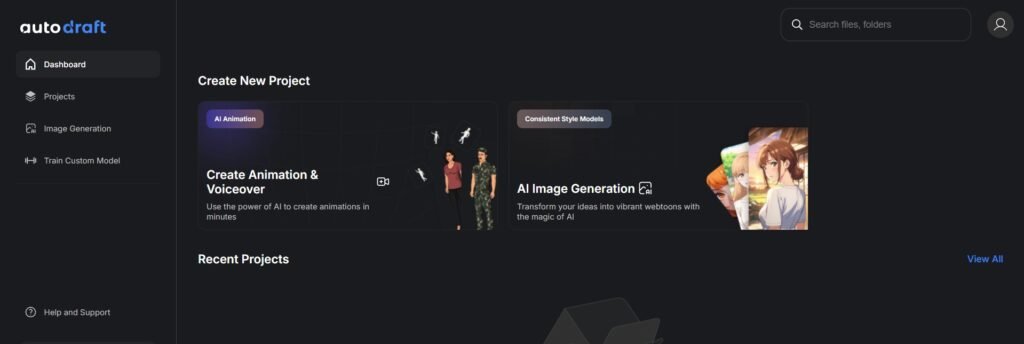
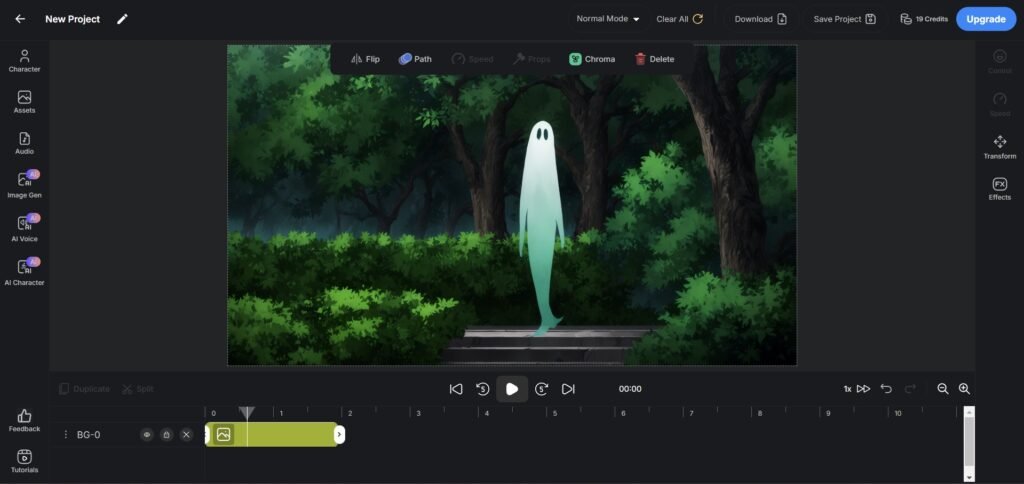
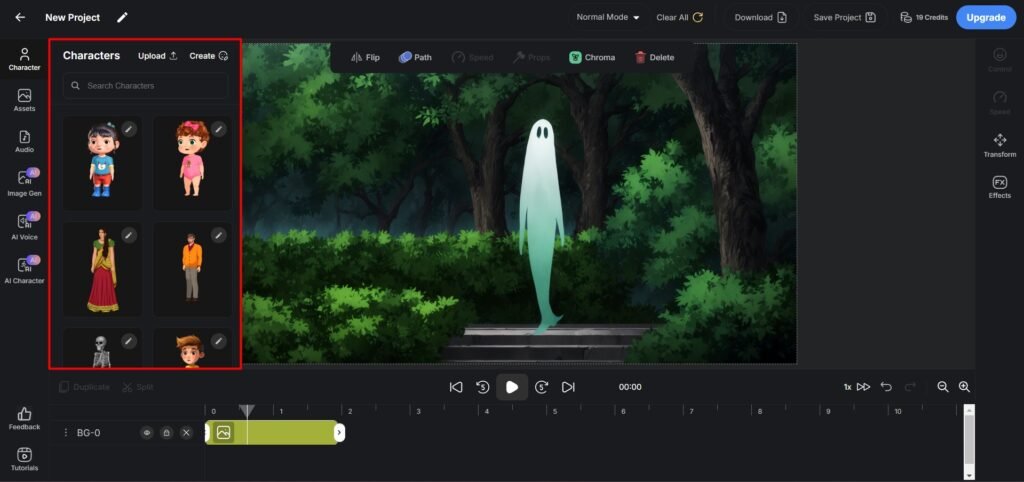
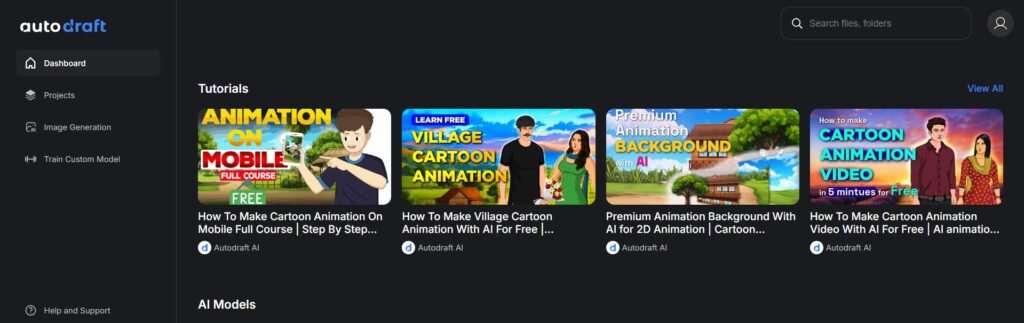
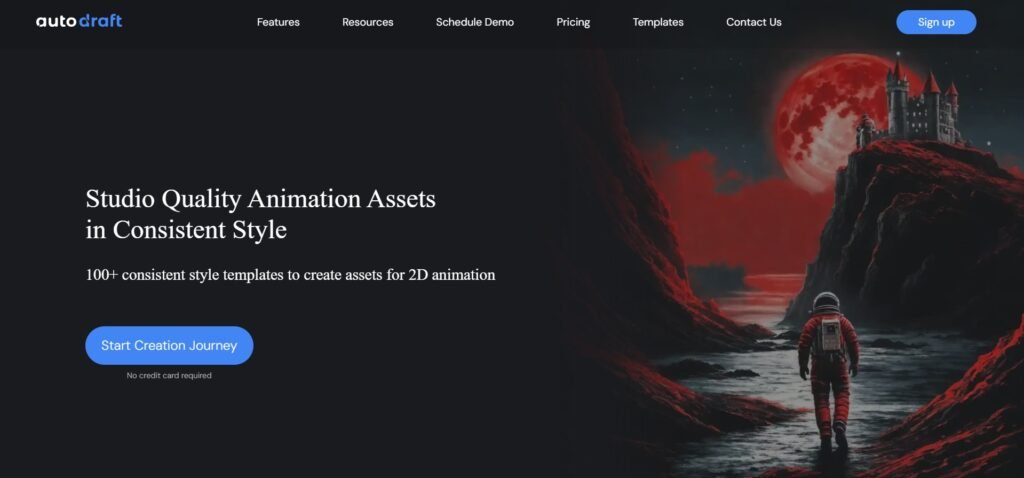
AutoDraft AI is a browser-based AI animation platform built to help creators, marketers, and studios generate 2D animated content faster through tools for character creation, backgrounds, voiceovers, style consistency, and animation workflows. Its main appeal is that it tries to reduce the time, cost, and manual effort involved in traditional animation by combining multiple AI-assisted creative tools in one place, including free and paid plans for different levels of use.
Features
Available On
Web Browsers
Pricing Information
Cards
Refund Policy
Autodraft did not provided enough information about their refund policy.
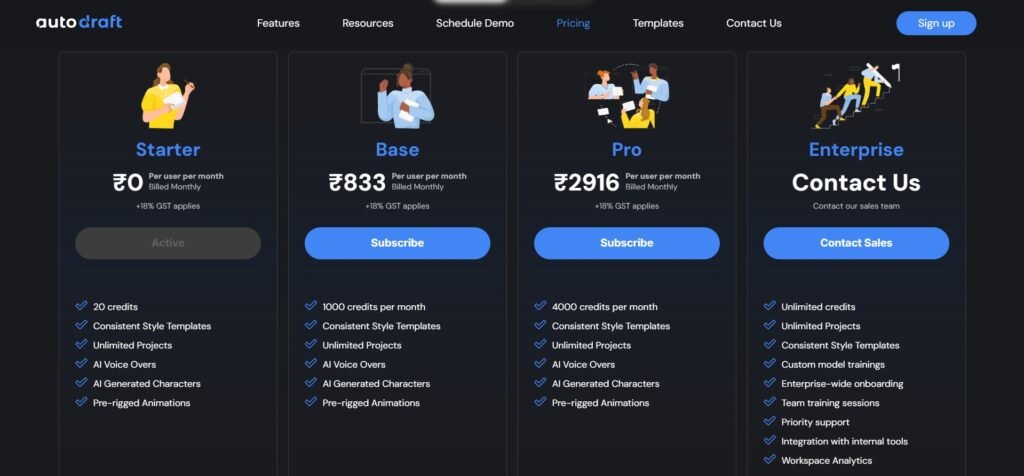
Free Tier
Free
20 credits
Consistent Style Templates
Unlimited Projects
AI Voice Overs
AI Generated Characters
Pre-rigged Animations
Paid Plans
Base ($9.61 Per Month)
1000 credits per month
Consistent Style Templates
Unlimited Projects
AI Voice Overs
AI Generated Characters
Pre-rigged Animations
Pro ($33.63 Per Month)
4000 credits per month
Consistent Style Templates
Unlimited Projects
AI Voice Overs
AI Generated Characters
Pre-rigged Animations
Enterprise
Unlimited credits
Unlimited Projects
Consistent Style Templates
Custom model trainings
Enterprise-wide onboarding
Team training sessions
Priority support
Integration with internal tools
Workspace Analytics
Videos
Reviews (0)
This app doesn't have any review...yet! Be the hero, and write the first review to help other users :)
Leave a review
Herow Score
Our editor's opinion about AutoDraft AI
AutoDraft AI looks like a promising niche tool for people who want quick, cartoon-style video production without learning a full traditional animation pipeline. The strongest part of its positioning is convenience: it is clearly focused on speed, accessibility, and creator-friendly workflows. That said, most of the strongest claims about quality and ease of use come from the company’s own site, so I’d treat it as a practical, productivity-first tool rather than assuming it matches professional studio software in every scenario.
Quality
Support
Pricing
User interface
AI Assistance
Integrations