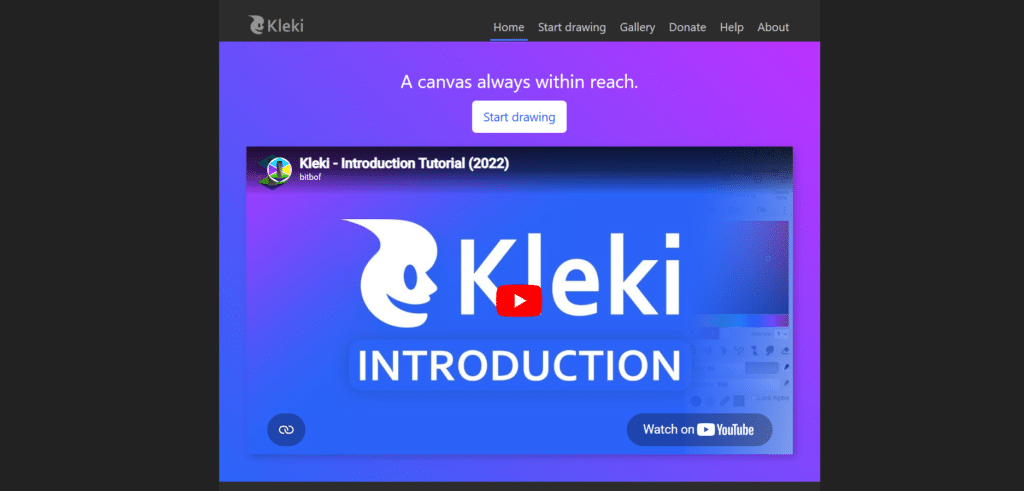
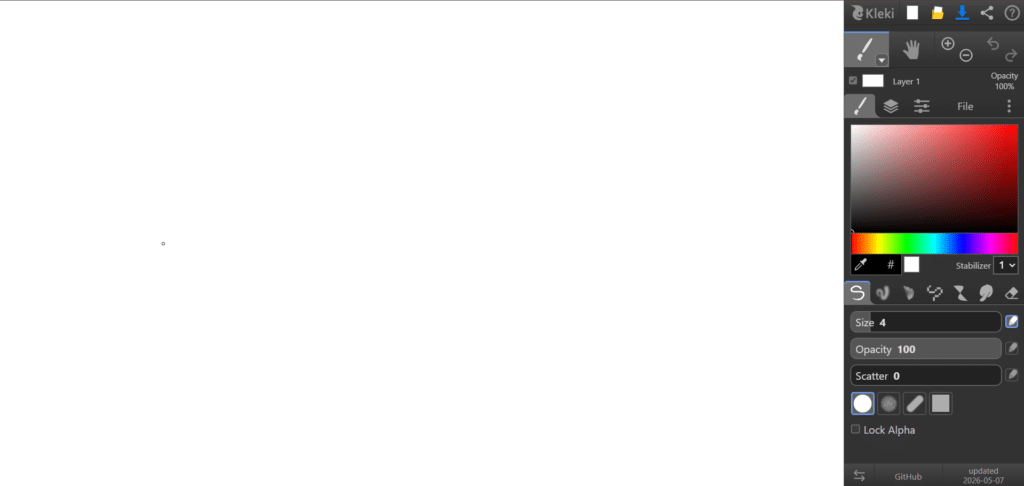
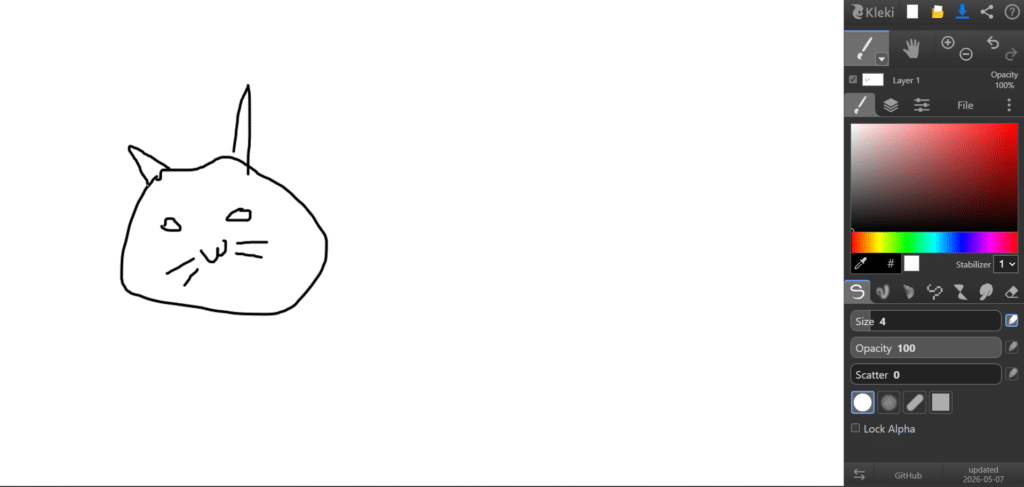
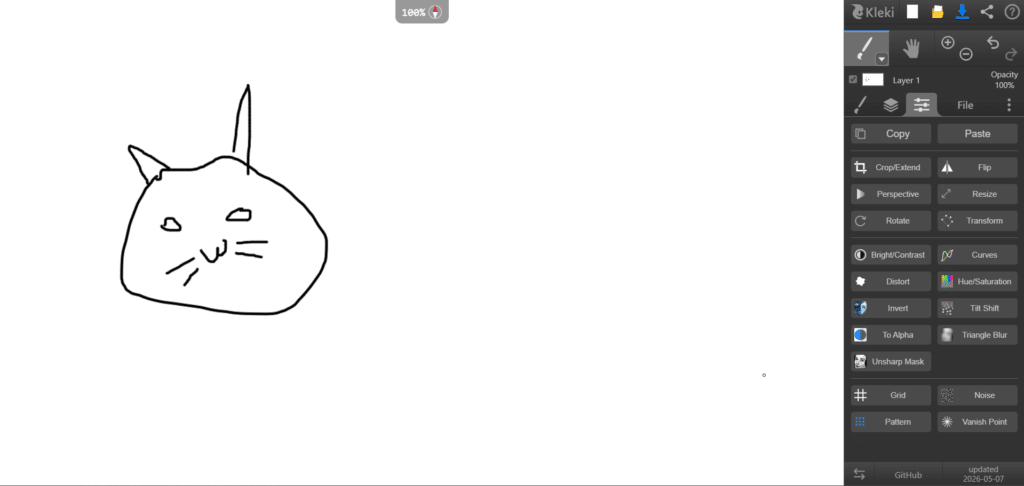
Kleki is a free, browser-based digital painting and drawing application created by programmer and artist bitbof in 2010. Designed to make digital art accessible to everyone, Kleki lets users start drawing instantly without downloading software or creating an account. It includes features such as layers, pressure-sensitive brush support, touch gestures, filters, text tools, shape tools, image editing capabilities, PSD export, and cross-platform compatibility. As an open-source and community-funded project, Kleki focuses on simplicity, speed, and accessibility while still providing many of the tools artists need for sketching, illustration, and creative experimentation.
Features
Available On
Web Browsers
Pricing Information
Refund Policy
Kleki does not have any refund policies as it is a free tool.
Free Tier
Free
Layers
Custom Brushes
Pressure Sensitivity Support
Text Tool
Image Import
Filters & Effects
Selection Tools
Transform Tools (Resize, Rotate, Flip)
PSD Export Support
Multi-Language Support
Paid Plans
No paid plan available for Kleki AI
Reviews (0)
This app doesn't have any review...yet! Be the hero, and write the first review to help other users :)
Leave a review
Herow Score
Our editor's opinion about Kleki AI
Kleki is one of the most convenient drawing tools available for beginners, students, and casual artists who want to start creating immediately. Its biggest strength is removing all barriers—no installation, registration, or subscription is required. While it lacks the advanced capabilities of professional software like Photoshop or Krita, it offers an impressive set of features for a free browser-based application. The interface is clean, responsive, and easy to learn, making it an excellent choice for quick sketches, classroom use, hobby projects, and learning digital art fundamentals.
Quality
Support
Pricing
User Interface
AI Assistance
Integrations