
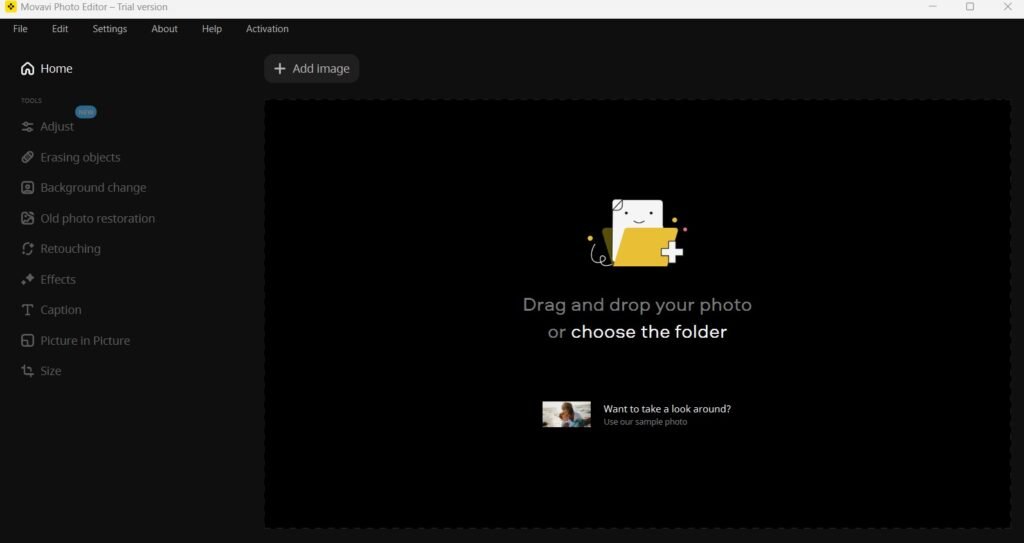
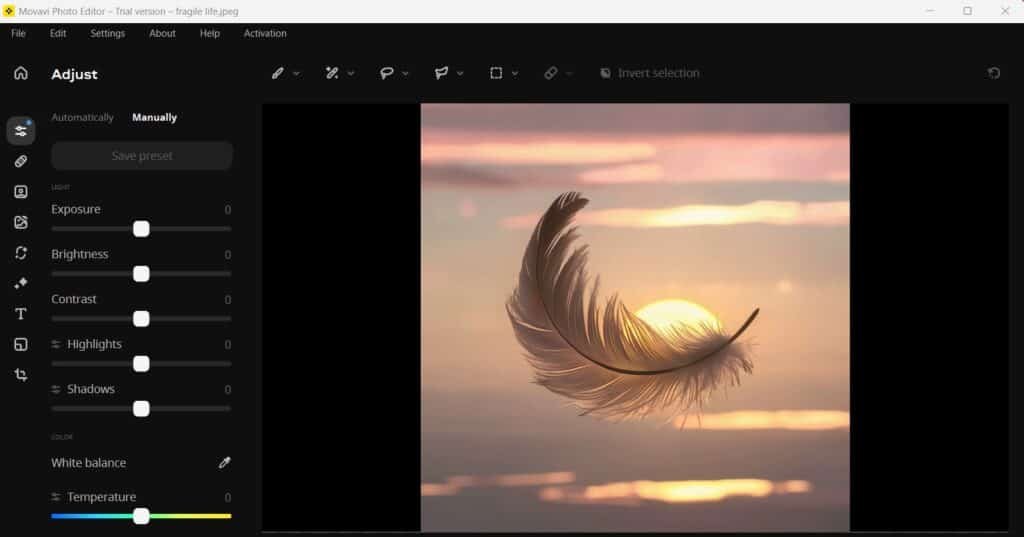
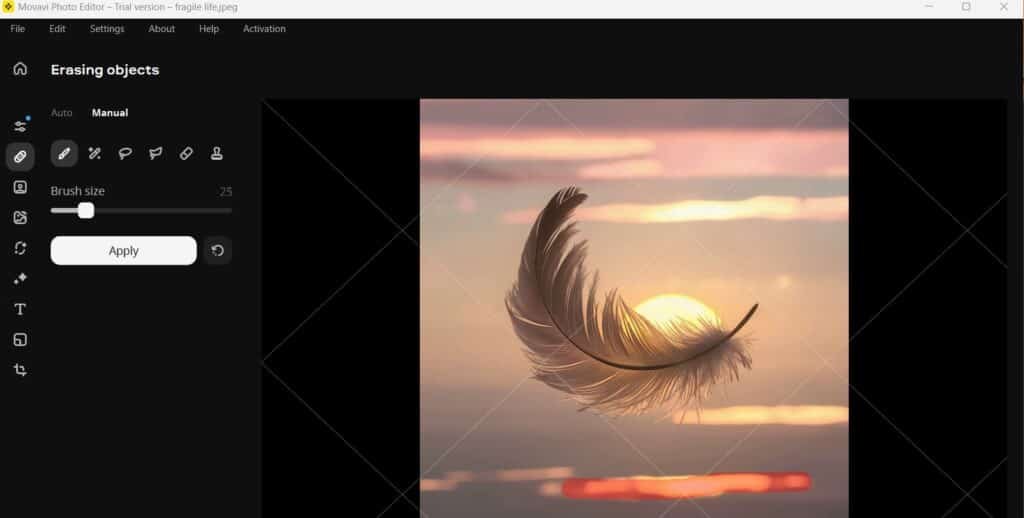
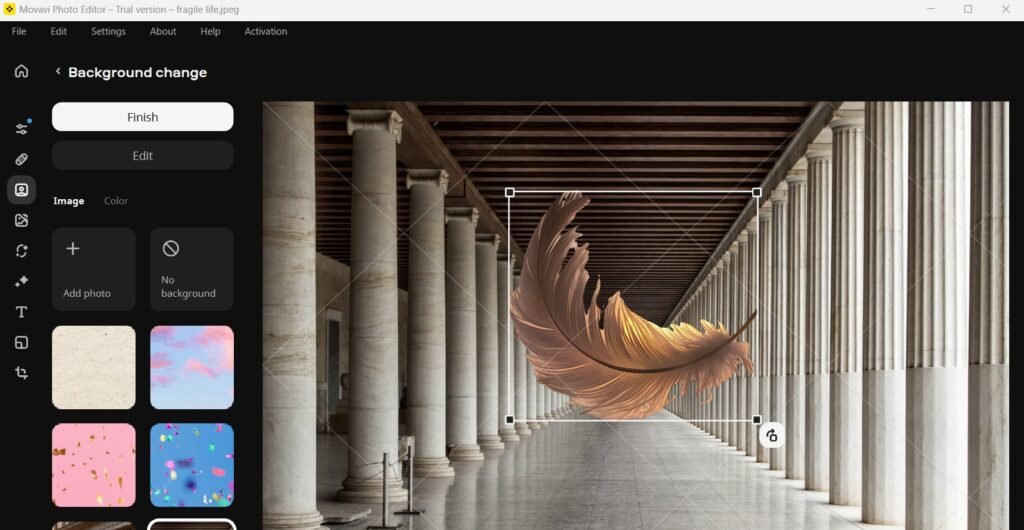
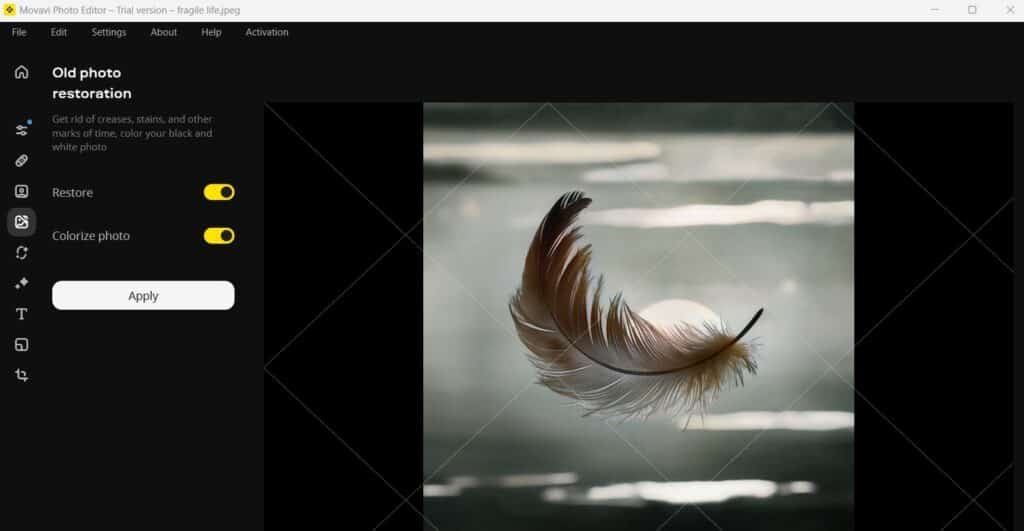
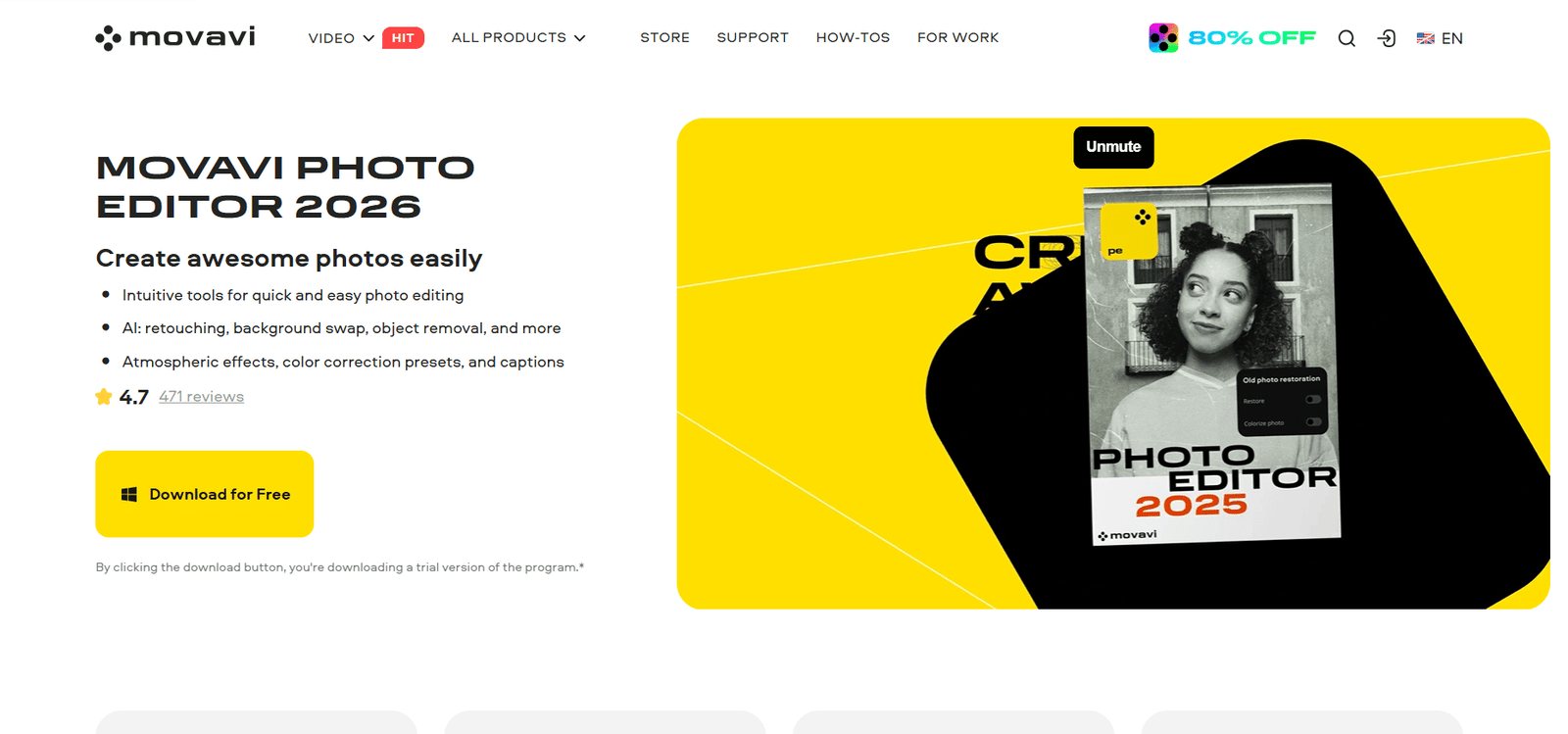
Movavi Photo Editor is a simple and user-friendly photo editing software designed for beginners and casual creators who want fast, high-quality results. It offers tools like AI background removal, object erasing, photo retouching, and old photo restoration, along with a wide range of filters and effects to enhance images quickly. Built for both Windows and macOS, the software focuses on making editing easy without needing advanced technical skills, while still delivering visually appealing results for social media, personal projects, or basic professional use.
Features
Available On
Windows
Mac
Apple Store
Google Play
Pricing Information
Cards
Refund Policy
Movavi offers 30 days refund policy or 3 days after renewing your subscription.
Free Tier
Free
Limited Access
Paid Plans
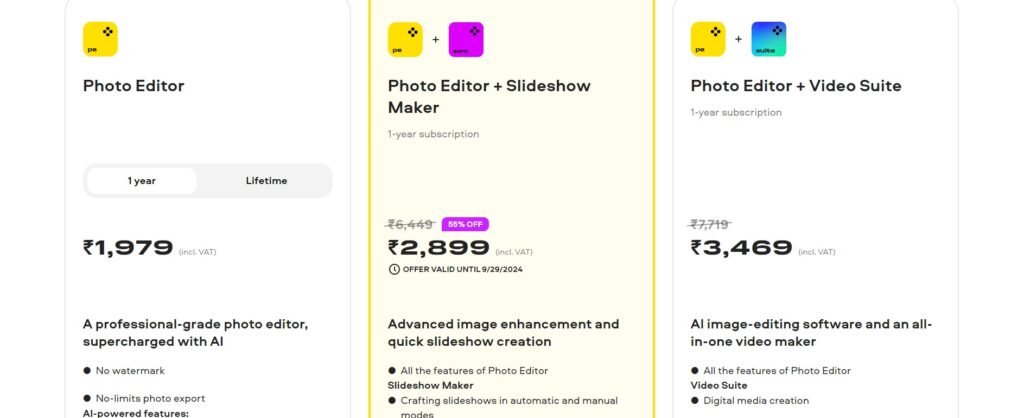
Photo Editor+Slide Show Maker ($34.65 Per Year)
Advanced image enhancement and quick slideshow creation
All the features of Photo Editor
Slideshow Maker
Crafting slideshows in automatic and manual modes
Voice-over recording
Sharing slideshows on YouTube
Photo Editor + Video Suite ($41.46 Per Year)
AI image-editing software and an all-in-one video maker
All the features of Photo Editor
Video Suite
Digital media creation
Digital media conversion
Digital media capture
Photo Editor ($23.65 Per Year and $34.65 Lifetime)
A professional-grade photo editor, supercharged with AI
No watermark
No-limits photo export
AI-powered features:
Photo enhancement
Background replacement
Object removal
Photo colorization
Portrait retouching
New: color correction presets
Reviews (0)
This app doesn't have any review...yet! Be the hero, and write the first review to help other users :)
Leave a review
Herow Score
Our editor's opinion about Movavi Photo Editor
Movavi Photo Editor is a great choice if you want speed and simplicity over complexity. It’s perfect for content creators, small business owners, or beginners who don’t want to deal with heavy tools like Photoshop. The AI features genuinely save time, especially for quick edits and cleanups. However, if you're looking for deep control, advanced layers, or professional-grade editing, it may feel limited. Overall, it strikes a nice balance between ease of use and useful AI-powered features.
Quality
Support
Pricing
User Interface
AI Assistance
Integrations