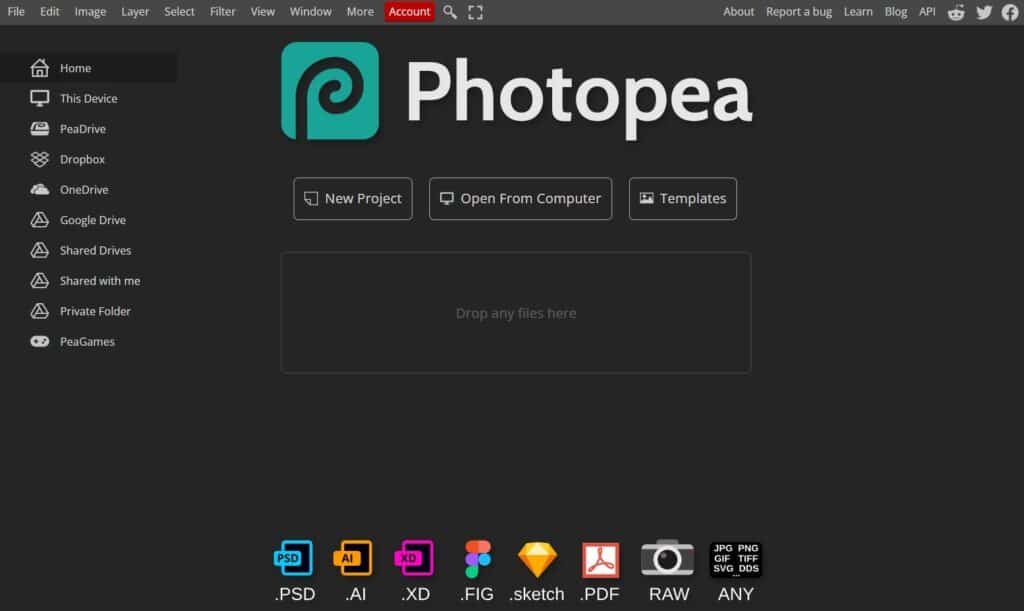
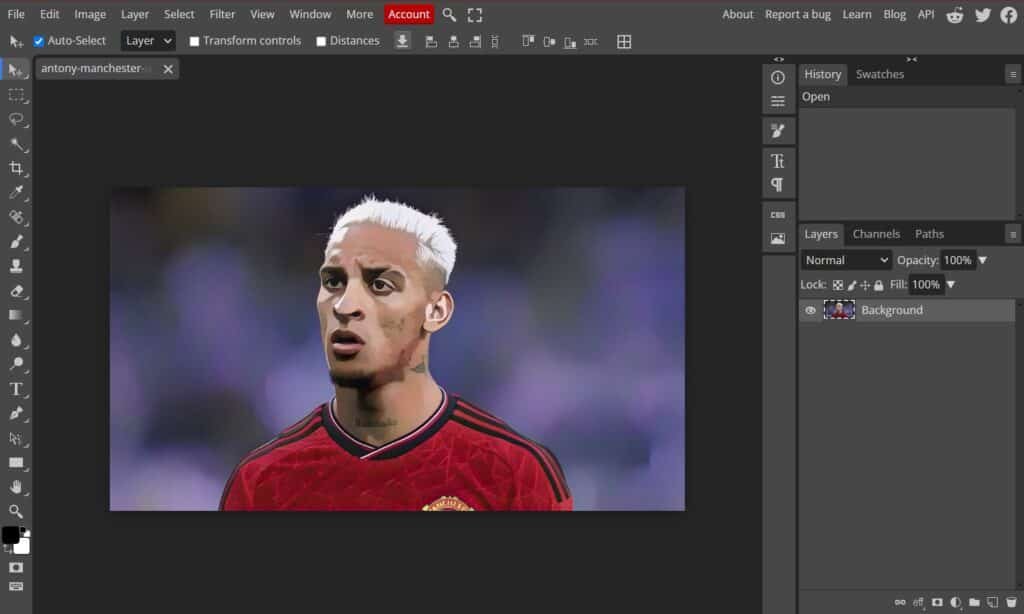
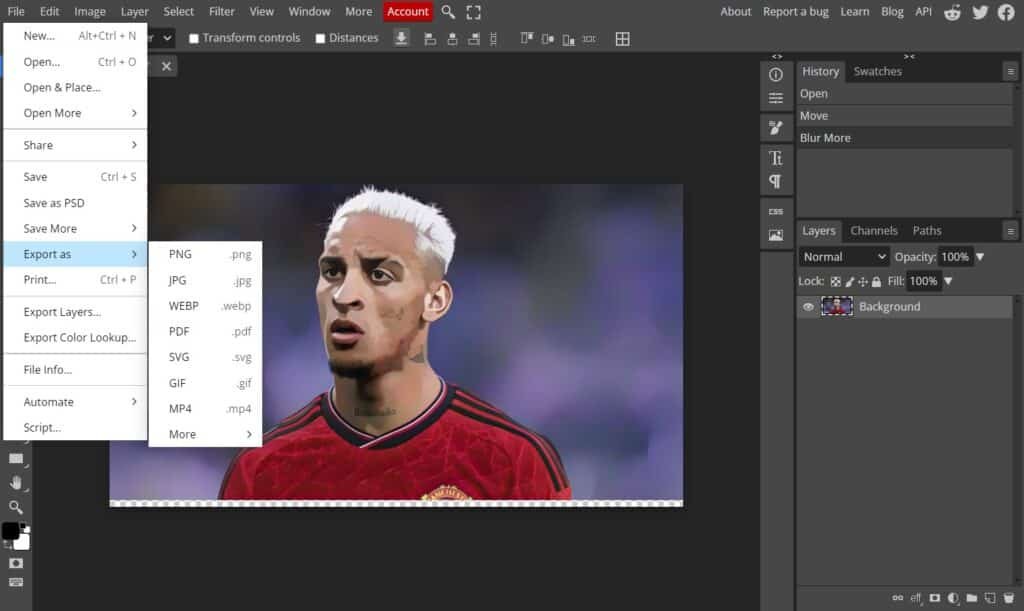
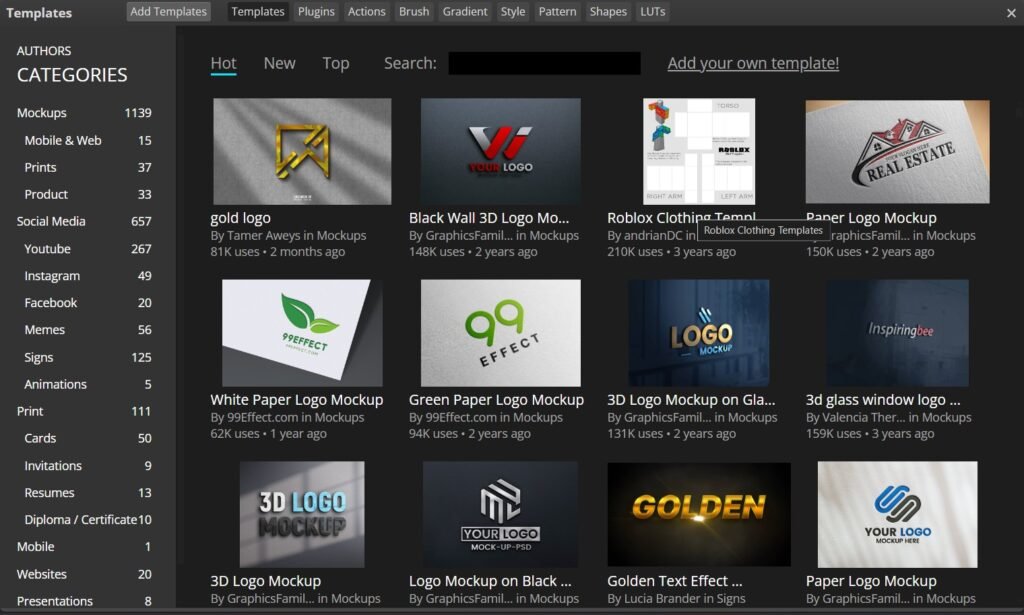
Photopea is a free, web-based photo editing tool developed by Ivan Kutskir that runs entirely in your browser, making it accessible on any device without installation. It supports professional formats like PSD, PNG, JPG, SVG, and PDF, and offers advanced features such as layers, masks, filters, and AI tools like background removal and image generation. Designed to closely resemble Adobe Photoshop, Photopea allows users to edit images, create graphics, and design content efficiently while keeping files locally on the device for better privacy and speed.
Features
Available On
Web Browsers
API
Pricing Information
Cards
Refund Policy
Photopea did not provided any information about their refund policy.
Free Tier
Free
Professional Editing Tools
Full PSD Support
File Format Compatibility
Fully Local Editing
Convenience (No Installation)
Vector Graphics Support
AI-Powered Tools
Adjustments and Filters
Runs on Any Device
Paid Plans
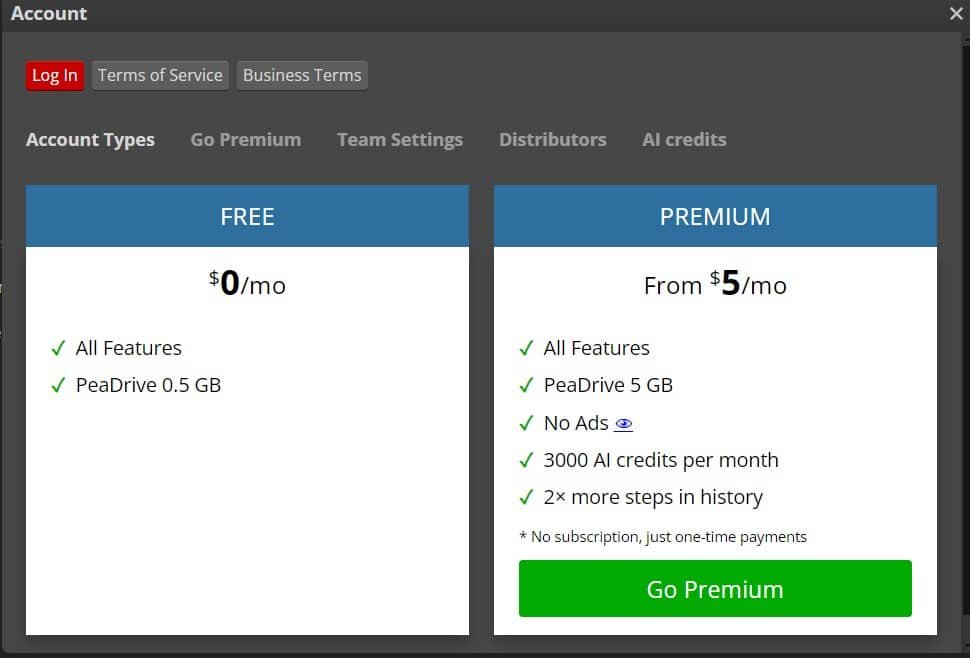
Premium ($5 Per Month)
All Features
PeaDrive 5 GB
No Ads @
3000 Al credits per month
more steps in history
Reviews (0)
This app doesn't have any review...yet! Be the hero, and write the first review to help other users :)
Leave a review
Overview
Online Reviews
Herow Score
Our editor's opinion about Photopea
Photopea is honestly one of the most impressive tools in its category because it delivers near-Photoshop-level functionality for free, which is rare. The interface feels familiar and powerful, especially for designers or content creators who don’t want to pay for expensive software. While ads in the free version can be slightly distracting and performance depends on your browser, the fact that it’s built and maintained largely by a single developer makes it even more impressive. For quick edits, thumbnails, or even professional-level work, it’s a highly practical and reliable option.
Quality
Support
Pricing
User Interface
AI Assistance
Integrations